December 15, 2004
WordPress.org 發佈了
WordPress 1.2.2。
Here's a few of the things we've addressed in this release:
* Login problems
* A security fix for a specific IIS/PHP combination
* Last-modified header bug
* An issue with the way site moves were handled
* Email encoding issues
順勢也把自己的網站升級到1.22,更新的步驟如下:
1.備份自己的網站,不必多說了,當然除了資料夾內的檔案以外還要加上資料庫的備份檔案。
2.保留自己曾經修改過的檔案或是新增的資料夾(例如index.php,wp-layout.css,images 資料夾)。
3.保留 wp-config.php。
4.由於我使用的是Kubrick的Template套件,所以還要保留kubrick-searchform.php,跟修改過的wp-comments.php等檔案。
5.保留wp-includes資料夾內的languages資料夾,這個是正體中文的檔案所在。
6.再一次確認資料都已經備份。
7.除了要保留的檔案與資料夾外,其餘的都刪除。
8.上傳新版的檔案,上傳前,請將保留的檔案先行重新命名,以避免上傳新檔案過程中被覆蓋掉。
9.上傳新版的檔案。
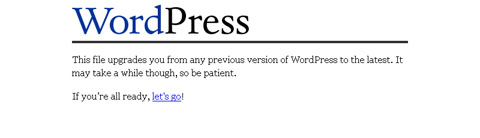
10.執行 wp-admin/upgrade.php。

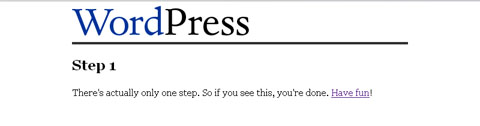
11.升級完成。
更詳細的升級過程請參閱
Codex。

 11.升級完成。
 更詳細的升級過程請參閱Codex。